Shared Daily Journal Getting Started Guide: EeeDiary Basics from the Welcome Notice
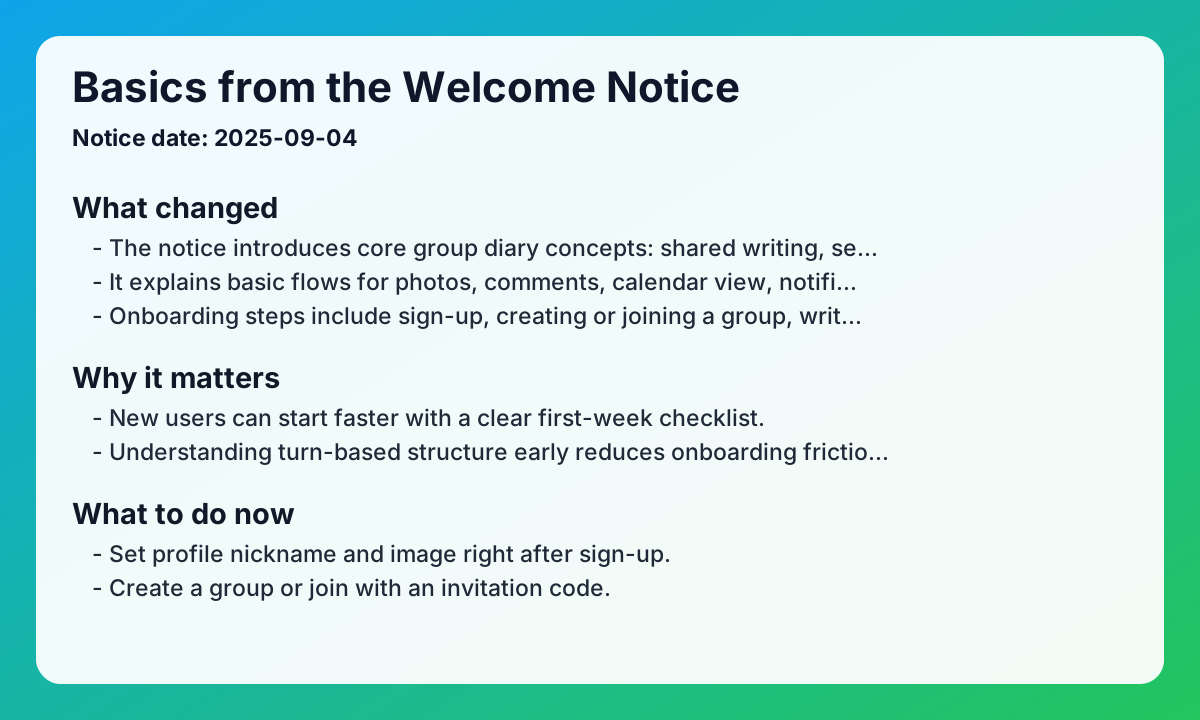
This shared daily journal guide summarizes the original welcome notice for first-time EeeDiary users. Notice date: 2025-09-04
Key updates from the original notice
- The notice introduces core group diary concepts: shared writing, sequential turns, and multiple groups.
- It explains basic flows for photos, comments, calendar view, notifications, and reminders.
- Onboarding steps include sign-up, creating or joining a group, writing the first entry, and interaction.
- The FAQ covers writing order, group participation, edit/delete options, and notification checks.
Practical impact
- New users can start faster with a clear first-week checklist.
- Understanding turn-based structure early reduces onboarding friction.
- Core features are easier to adopt when grouped into one flow.
- Note: this reflects the 2025-09 notice baseline; always cross-check latest policy updates.
Checklist for shared daily journal app users
- Set profile nickname and image right after sign-up.
- Create a group or join with an invitation code.
- Write the first entry on your turn and test comments.
- Verify notification permissions and reminder actions.
FAQ
Q1. Can I join multiple groups at once?
A. Yes. The original FAQ states multiple group participation is supported.
Q2. How is writing order determined?
A. The notice explains it follows join order and then cycles again.
Q3. Can I write when it is not my turn?
A. The baseline policy says writing is restricted to the current turn owner.
Related reads
Closing note
If you are starting EeeDiary today, this welcome-notice summary gives the fastest path to stable shared daily journal onboarding.
Next search paths
Keep moving from this article into the matching guide, two nearby articles, and the main exchange diary app page.
Matching guide
What makes a shared diary app useful?
A shared diary app keeps one private writing space for two or more people. It works best when you want memories to stay readable instead of getting buried in messages.
Open guide →Related article
10 Exchange Diary Examples for Couples and Friends
Use these exchange diary examples to write an easier first entry with a partner or friend, plus simple tips for how to write an exchange diary.
Read article →Related article
7 Exchange Diary Rules for Couples and Friends
Use these 7 exchange diary rules to set turn order, entry length, prompts, photos, breaks, and reminders for a shared diary that feels easy to continue.
Read article →Home page
Visit the exchange diary app homepage
EeeDiary is a private exchange diary app for couples, friends, and long-distance relationships. It helps you write in turns, keep one shared memory timeline, and revisit entries by date instead of losing them in chat.
Open homepage →Try EeeDiary
Start your shared exchange diary with couples or friends.